

Your catering website is the first thing a corporate buyer, event planner, or office manager sees before they ever taste your food. It is where they decide whether you look reliable enough to trust with a 200-person event. It is where they find your menu, your service areas, your minimum order requirements, and your contact information. And it is where they either submit an inquiry or click back to a competitor.
The platform you build that website on determines how fast it loads, how well it ranks on Google, how easy it is to update when your menu changes, and how much ongoing maintenance it requires. These are not cosmetic decisions. They directly affect how many catering inquiries your website generates.
The good news is that the gap between a professionally designed catering website and a generic one has never been smaller. Modern website platforms have made high-quality design accessible at every skill level, from drag-and-drop tools that produce polished results in an afternoon to design-forward platforms that give you the same creative control as a custom-coded site without writing a line of code.
This guide covers the five major website platforms most relevant to catering businesses. For each one, we cover what it does well for catering specifically, where it falls short, how to connect your custom domain, and who it is right for. The goal is not to find the universally best platform. It is to find the right one for where your catering business is and where it is going.
What a catering website needs to do before you choose a platform
Before comparing platforms, it is worth being clear about what a catering website actually needs to accomplish. The requirements are different from a retail store, a restaurant with reservations, or a personal portfolio. Getting this right shapes every platform decision that follows.
Convert visitors into inquiries: The primary job of a catering website is generating qualified leads. Every platform decision should be evaluated against how well it supports a short inquiry form, a visible phone number, and a clear call to action above the fold on every service page.
Rank in local search: Most catering bookings start with a Google search. The platform needs to support strong local SEO, including clean URL structures, editable meta titles and descriptions, sitemap generation, and fast mobile load times. A beautiful website that does not rank is a brochure, not a sales tool.
Present menus clearly: Corporate buyers and event planners need to evaluate your menu, dietary options, and package formats before they will contact you. The platform needs to support well-structured menu pages that are easy to update without a developer every time your offerings change.
Work on mobile: Office managers and event planners research vendors on their phones. A catering website that loads slowly or renders poorly on mobile loses those visitors before they read a single word. Mobile performance is not optional.
Support a custom domain: Every credible catering business website runs on a custom domain such as yourbusiness.com rather than a platform subdomain. Every platform covered in this guide supports custom domain connection. The process differs slightly by platform and is covered for each one below.
Squarespace : Best for restaurants and caterers who want a polished site fast
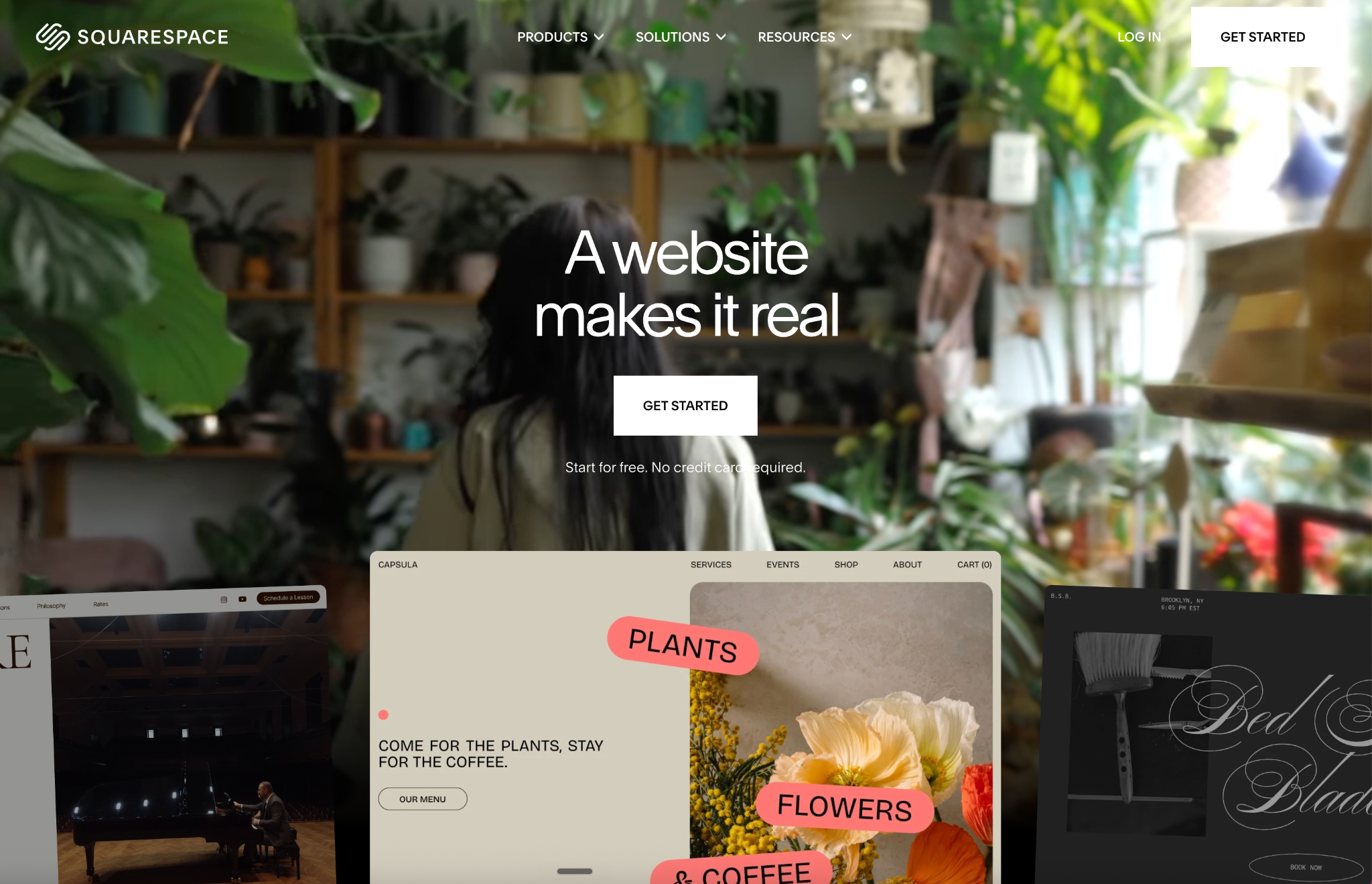
Squarespace is the platform of choice for food businesses that want a genuinely beautiful website without spending weeks on setup or hiring a designer. Its templates are among the most visually refined of any website builder, and the food and restaurant category is particularly strong. High-quality photography, clean menus, and elegant layout structures are built into the templates rather than requiring custom design work.
For a catering business, Squarespace hits a sweet spot between visual quality and operational simplicity. You can launch a professional site with a menu, service pages, an inquiry form, and a gallery in a day. Updates are straightforward enough that you can change your catering packages or add a seasonal menu without calling a developer.
What it does well for catering: Squarespace templates are designed with visual storytelling in mind, which is exactly what a catering website needs. Strong photography support, clean menu page layouts, and gallery blocks make food look compelling without custom design work. Built-in SEO tools handle meta titles, descriptions, alt text, and XML sitemaps out of the box. In independent testing, Squarespace scored highest for Interaction to Next Paint among major platforms, meaning the actual user experience of navigating the site is consistently smooth. A free custom domain is included with annual plans.
Limitations for catering: Squarespace is a structured platform. You work within its design system rather than freely repositioning elements anywhere on the page. For most catering websites this is a feature rather than a limitation, because it enforces consistency. But if your brand requires highly specific layout configurations or advanced interactive elements, Squarespace will feel restrictive. The plugin ecosystem is minimal compared to WordPress, and advanced technical SEO customisations require workarounds.
How to connect your domain: In Squarespace, go to Settings, then Domains. You can either transfer a domain you already own, connect a third-party domain by updating its DNS records to point to Squarespace, or purchase a new domain directly through Squarespace. The DNS update process typically takes between 24 and 72 hours to fully propagate. Squarespace provides step-by-step instructions for every major domain registrar including GoDaddy, Namecheap, and Google Domains.
Right for: Catering operators who want a visually polished website without design complexity. Restaurants and caterers who prioritise setup speed and ongoing ease of maintenance over maximum flexibility. The best starting platform for most independent operators.
Wix : Most flexible no-code builder with the strongest built-in marketing tools
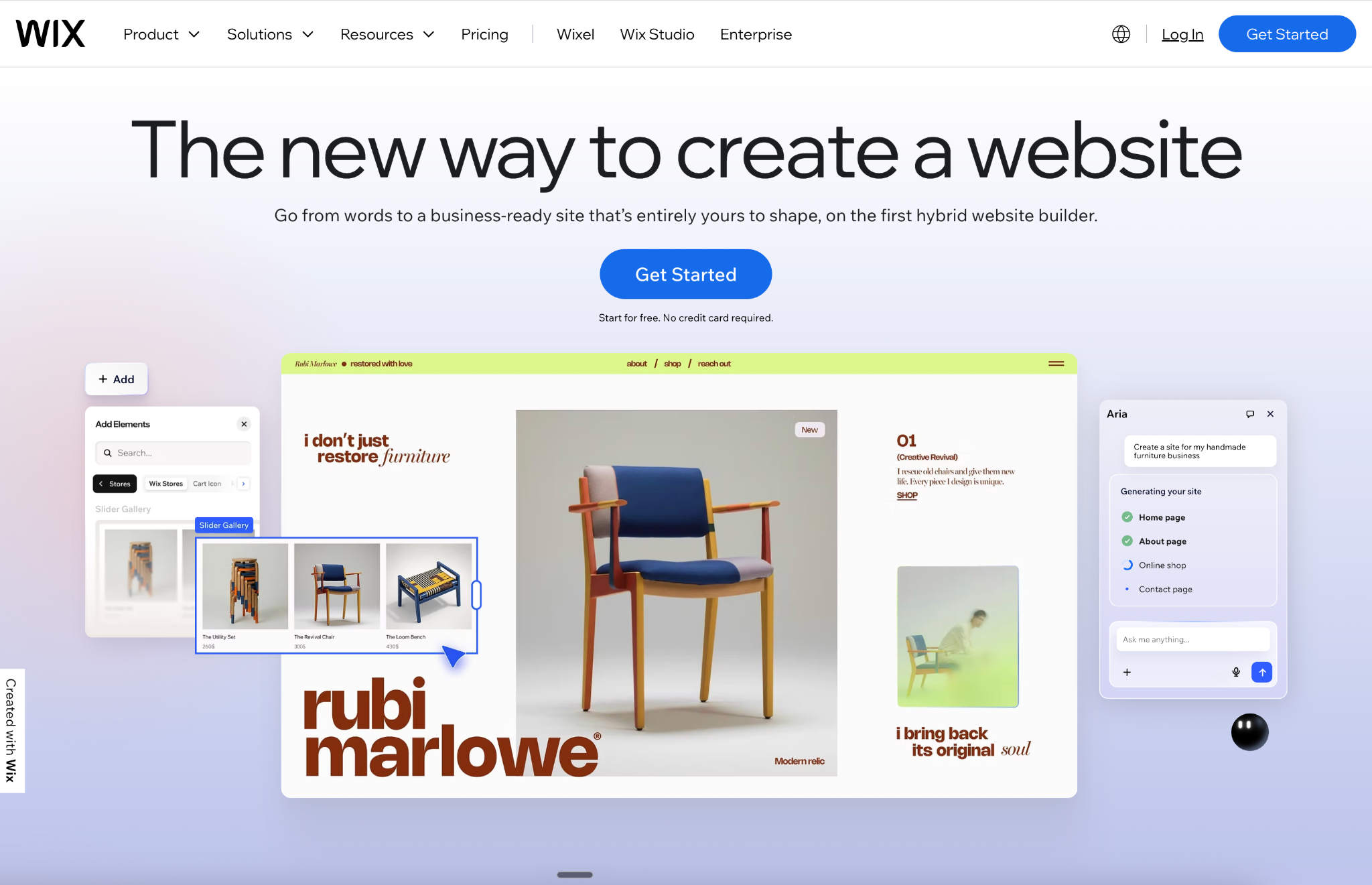
Wix has evolved significantly from its early reputation as a basic drag-and-drop builder. It is now one of the most capable all-in-one website platforms available, with over 800 templates, a genuinely free-form drag-and-drop editor, and a suite of built-in marketing tools that covers email campaigns, social media integration, and an SEO dashboard connected to Semrush.
For catering businesses that want maximum control over their site layout without touching code, Wix offers more design freedom than Squarespace. You can position elements anywhere on the page, build custom page layouts for different catering service types, and add functionality through the Wix App Market without leaving the platform.
What it does well for catering: The free-form editor gives you full control over where every element sits on the page, which is useful for building dedicated corporate catering pages, wedding catering pages, and drop-off catering pages that each have distinct layouts optimised for their buyer. Wix's SEO performance has improved dramatically. In mid-2025 testing, 74% of Wix sites achieved good Core Web Vitals scores, up from 55% the year before. The built-in marketing suite, including email, social scheduling, and SEO setup guides, reduces the number of third-party tools needed. Wix also supports online ordering and booking integrations natively.
Limitations for catering: The freedom of Wix's editor is also its primary risk. A site with no design constraints can look inconsistent if not approached with discipline. Templates and layouts can vary significantly in quality, and the visual editor encourages over-engineering for operators who want to keep tweaking. Once a Wix template is chosen, switching to a different template requires rebuilding the site, which is a meaningful migration consideration if you change direction later.
How to connect your domain: In Wix, go to your Dashboard, then Settings, then Domains. You can connect a domain you own elsewhere by updating the domain's DNS records at your registrar to point to Wix's nameservers, or you can purchase a new domain directly through Wix. Wix provides a domain connection guide with specific instructions for over 30 major registrars. Premium plans include a free custom domain for the first year.
Right for: Catering operators who want maximum design control without writing code. Businesses that want built-in marketing tools alongside their website. A strong choice for operators who want to build distinct landing pages for different catering service lines.
Webflow : Best SEO control and cleanest code output of any visual builder

For a catering business that is serious about long-term organic search performance, Webflow offers a level of technical SEO control that Squarespace and Wix cannot match. Custom schema markup, full control over canonical tags, server-side rendering, and consistently fast page speeds make Webflow the most powerful option for operators who treat their website as a long-term SEO investment.
What it does well for catering: Webflow consistently produces sites that score 90 or above on PageSpeed Insights without additional optimisation, thanks to its clean code output. Every technical SEO control, including meta titles, descriptions, alt text, 301 redirects, auto-generated sitemaps, canonical tags, and custom HTML injection for schema markup, is accessible without plugins or workarounds. The visual CMS makes managing a blog, a menu, or a catering package listing significantly more structured than Squarespace or Wix. For catering businesses investing in content marketing alongside their website, Webflow's CMS architecture supports that growth.
Limitations for catering: Webflow has a learning curve that is genuinely steeper than Squarespace or Wix. Most catering operators will need to either invest time learning the platform or work with a Webflow developer for the initial build. The analogy used frequently in the industry is apt: if Squarespace and Wix are Canva, Webflow is Photoshop. Anyone can use Canva. Photoshop requires training. Advanced schema markup and complex interactive features require custom code injection even in Webflow. The CMS plan is required for managing dynamic content like menus and blog posts.
How to connect your domain: In Webflow, go to your Project Settings, then Publishing, then Custom Domain. Add your domain in the custom domain field. Webflow provides the DNS records you need to add at your registrar, including a CNAME record for the www version and an A record for the root domain. The process is the same at any registrar. Full propagation typically takes 24 to 48 hours. Webflow's publishing dashboard shows domain status in real time.
Right for: Catering businesses with design-forward brands or agencies building catering sites for multiple clients. Operators who treat SEO as a long-term growth channel and want maximum technical control. Requires either learning time or developer support.
Framer : Best for high-impact visual presence and modern catering brands
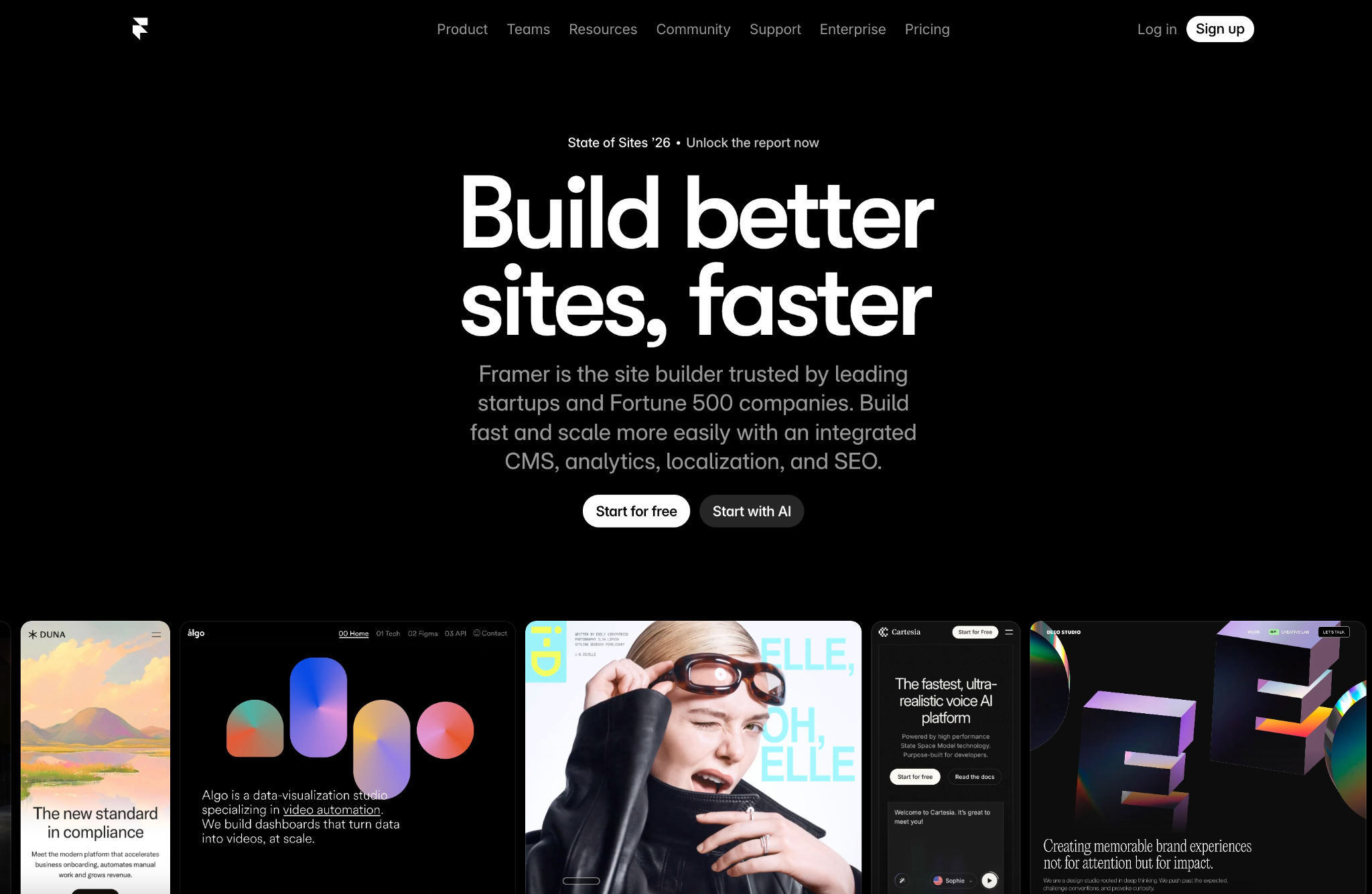
Framer started as a design prototyping tool and evolved into a full website builder with a strong emphasis on visual quality, motion design, and fast publishing. Its AI-assisted page generation and real-time collaboration features make it a popular choice for design-forward businesses that want a site that looks significantly different from the standard template-driven competition.
For a catering brand that competes on visual identity and wants a website that communicates premium positioning immediately, Framer delivers a level of visual sophistication that is difficult to achieve on Squarespace or Wix without significant custom work. Animated sections, smooth page transitions, and editorial-quality layouts are native to the platform rather than add-ons.
What it does well for catering: Framer's design output is among the most visually impressive of any no-code tool. For catering businesses in premium corporate, wedding, or high-end event markets where the website is a direct representation of the quality of the product, Framer's visual quality can be a genuine competitive differentiator. AI-assisted design generation speeds up the initial build. Real-time collaboration makes it easy to work with a designer remotely. Performance is strong, with clean code output similar to Webflow.
Limitations for catering: Framer's CMS capabilities are more limited than Webflow or WordPress for content-heavy sites. If your catering website needs a structured blog, a large menu database, or complex dynamic content, Framer will reach its ceiling faster than the other platforms. It is built for high-impact, relatively simple sites rather than large content architectures. SEO customisation is available but less granular than Webflow. The platform is also newer than the others on this list, which means the plugin and integration ecosystem is smaller.
How to connect your domain: In Framer, go to your Site Settings, then Domains. Add your custom domain and Framer will display the DNS records required at your registrar. You will need to add a CNAME record pointing to Framer's hosting. The process works identically at GoDaddy, Namecheap, Cloudflare, and other major registrars. Domain propagation typically takes a few hours. Framer's domain settings panel shows live connection status.
Right for: Premium or design-forward catering brands in corporate event, wedding, or high-end hospitality markets. Operators who want visual impact as a primary differentiator and do not need complex CMS functionality.
WordPress : Most powerful for long-term SEO and maximum flexibility
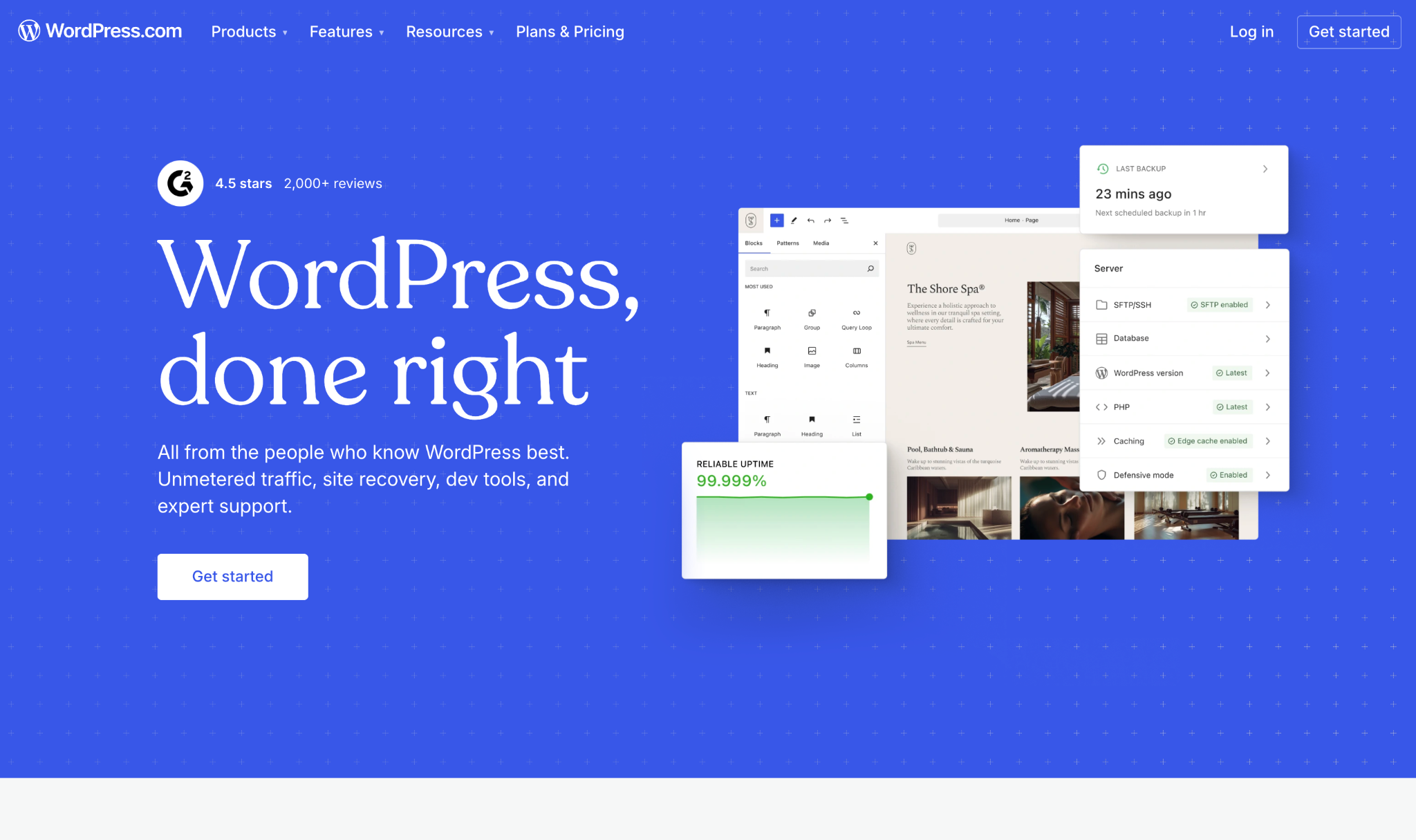
WordPress powers 43% of all websites on the internet. It is the world's most used content management system, running everything from personal blogs to enterprise media sites. For a catering business that is serious about long-term content marketing, SEO investment, and maximum functional flexibility, WordPress offers capabilities that no other platform on this list can match.
The trade-off is ownership of complexity. WordPress is self-hosted, meaning you choose and manage your own hosting, handle security updates, install and maintain plugins, and take responsibility for the technical health of the site. For operators without technical support, this overhead is real. For those who have it, or are willing to invest in managed WordPress hosting that handles much of it automatically, WordPress provides a foundation that scales without limits.
What it does well for catering: WordPress's plugin ecosystem of over 60,000 options means there is a solution for virtually any catering website requirement: online ordering, catering inquiry forms, loyalty program integration, SEO, CRM connection, email marketing, and more. SEO plugins like Yoast and RankMath provide the most detailed on-page SEO guidance of any platform. The blog and content management capabilities are unmatched, which matters for catering businesses investing in organic search through regular publishing. WordPress also supports complete visual customisation through themes and builders like Elementor, Divi, or the native block editor.
Limitations for catering: WordPress requires more ongoing maintenance than any other platform on this list. Security vulnerabilities are a real concern. Approximately 35% of WordPress security vulnerabilities disclosed in 2024 remained unpatched in 2025 according to Wordfence data. Plugin conflicts, hosting configuration, and performance optimisation require either technical knowledge or professional support. Site speed on WordPress varies enormously based on hosting quality, theme choice, and plugin load, which means a poorly configured WordPress site can perform worse than a well-built Squarespace site.
How to connect your domain: WordPress domain connection depends on your hosting provider. With most managed WordPress hosts such as WP Engine, Kinsta, or SiteGround, you add your domain in the hosting dashboard and then update the domain's nameservers at your registrar to point to your host. Alternatively you can update the A record to point to your server's IP address. Your hosting provider will give you the exact records needed. WordPress.com hosted plans have a simpler domain connection interface within the site settings panel, similar to Squarespace or Wix.
Right for: Catering businesses making a long-term investment in organic search and content marketing. Operators with access to technical support or a developer. Multi-location restaurant groups or franchise operators who need enterprise-level CMS capabilities.
How to choose the right platform for your catering business
The right platform is determined by three factors: your technical comfort level, your design priorities, and your growth timeline.
If you want to launch quickly, maintain the site yourself, and prioritise visual quality without design complexity, Squarespace is the clearest starting point. Most independent catering operators and restaurant groups can build and maintain a high-performing catering website on Squarespace without developer support.
If you want maximum layout flexibility and a built-in marketing toolkit alongside your website, Wix gives you more design control than Squarespace without requiring code. It is the better choice for operators who want to build multiple distinct service pages with different layouts or integrate online booking and ordering natively.
If SEO is your primary growth channel and you are willing to invest time in the platform or work with a developer, Webflow produces the cleanest, fastest, most technically sound websites of any visual builder. The investment in setup pays back in search performance over the lifetime of the site.
If your brand competes on visual sophistication and premium positioning, Framer's design output signals a level of quality that template-driven platforms cannot replicate without significant custom work. Best for established catering brands in premium markets.
If you have technical support available or are willing to manage hosting and maintenance, WordPress provides capabilities and a content infrastructure that no managed platform can match. It is the right long-term foundation for catering businesses treating content and SEO as a primary acquisition channel.
What you need to know about connecting a custom domain
Every credible catering website should run on a custom domain. A site at yourbusiness.squarespace.com or yourbusiness.wixsite.com immediately undermines the professional impression your site is trying to make. Every platform covered in this guide supports custom domain connection on paid plans.
The process is consistent across platforms. You own a domain through a registrar such as GoDaddy, Namecheap, Google Domains, or Cloudflare. Your website platform gives you specific DNS records to add at your registrar. The registrar forwards visitors from your domain to your website platform's servers. The change propagates across the internet over 24 to 72 hours, after which your site is live at your custom domain.
A few practical notes worth keeping in mind regardless of platform. Always buy your domain separately from your website platform if possible. Owning your domain at an independent registrar means you can move your site to a different platform in the future without losing your domain. Domain registrar lock-in is a real problem that many operators discover too late.
Enable SSL on your custom domain as soon as it connects. Every platform on this list provides free SSL through Let's Encrypt or a similar certificate authority. An unencrypted site displays a "Not Secure" warning in browsers that immediately undermines buyer trust. SSL also affects Google ranking. There is no reason not to enable it immediately.
If you already have an existing catering website and are migrating to a new platform, set up 301 redirects from your old URLs to the new ones before switching. Missing redirects mean that any existing Google rankings for your old pages reset to zero. Most platforms handle this either natively or through a simple redirect manager.
What every catering website needs regardless of platform
The platform choice determines the foundation. What you build on top of it determines whether the site actually generates catering bookings. A few elements are non-negotiable regardless of which platform you choose.
A dedicated page for every catering service: Corporate catering, wedding catering, and drop-off box lunch delivery are different services with different buyers and different search queries. Each deserves its own page, not a combined generic catering page that ranks for none of them specifically.
Real food photography: Stock images undermine trust immediately for experienced catering buyers. High-quality photos of your actual food, setups, and events do more selling than any amount of copy. This is true on every platform.
A short, visible inquiry form: Name, company, event date, group size, and contact information. Five fields maximum. Place it above the fold on every service page and in the navigation. The fewer steps between a visitor and a form submission, the higher your conversion rate.
Google Business Profile connection: Your website and your Google Business Profile should be consistent in name, address, phone number, and service area. Inconsistency reduces your local search visibility regardless of how well-built your website is.
Mobile performance as a baseline: Test your site on a phone before launching. If it takes more than three seconds to load or requires horizontal scrolling on a standard mobile screen, fix it before you send traffic to it.
The platform is the foundation. The content is the work.
Choosing the right website platform for your catering business matters. A slow, poorly structured site on the wrong platform limits your SEO ceiling and frustrates buyers who find you. But the platform is the foundation, not the differentiator.
What differentiates a catering website that generates consistent bookings from one that sits quietly in the background is the content built on top of it: the specific service pages, the real food photography, the clear value proposition, the visible inquiry path, and the consistent local SEO effort that compounds over time.
Pick the platform that matches your technical level and growth plans. Build the site with the buyer in mind. Update it when your menus and services change. And treat it as a living sales tool rather than a one-time project. That combination, regardless of which platform it sits on, is what turns a catering website into a consistent source of new business.
Frequently Asked Questions
What is the best website platform for a catering business?
For most independent catering operators, Squarespace offers the best balance of visual quality, ease of use, and built-in SEO tools. Wix is the better choice for operators who want maximum layout flexibility and a built-in marketing toolkit. Webflow is best for those prioritising long-term SEO performance and willing to invest in setup. WordPress is most powerful for businesses making a long-term content and SEO investment with technical support available.
Do I need a custom domain for my catering website?
Yes. A custom domain is essential for professional credibility. A site at yourbusiness.squarespace.com or a platform subdomain immediately signals that the website has not been fully set up, which undermines buyer trust. Every platform covered in this guide supports custom domain connection on paid plans. Buying your domain from an independent registrar gives you the flexibility to move platforms in the future without losing your web address.
How do I connect a custom domain to my catering website?
The process is consistent across platforms. Your website platform provides specific DNS records, typically a CNAME and an A record. You add these records at your domain registrar, which forwards visitors from your domain to your platform's servers. Full propagation typically takes 24 to 72 hours. Every platform on this list provides step-by-step domain connection instructions for major registrars including GoDaddy, Namecheap, and Cloudflare.
Is Squarespace or WordPress better for a catering website?
For most independent catering operators, Squarespace is the better starting point. It requires no hosting management, no security maintenance, and no plugin updates. The built-in templates produce professional results quickly and the SEO tools are sufficient for most local catering businesses. WordPress is more powerful for long-term content and SEO investment but requires technical maintenance that Squarespace handles automatically.
Is Webflow good for a catering website?
Yes, for operators who prioritise SEO performance and design quality over setup simplicity. Webflow produces the cleanest code output of any visual builder, consistently scores above 90 on PageSpeed Insights, and offers the most granular technical SEO control of any platform on this list. The learning curve is steeper than Squarespace or Wix, but the long-term SEO return on a well-built Webflow site is significant for catering businesses investing in organic search.
What does a catering website need to generate bookings?
A dedicated page for each catering service, real food photography, a short inquiry form visible above the fold on every service page, clear menu and pricing guidance, mobile speed under three seconds, and consistent Google Business Profile information matching the website. The platform matters less than the content built on top of it. A well-structured Squarespace site with strong content will outperform a poorly built WordPress site every time.
Should I use Framer or Webflow for my catering website?
Framer is better for high-impact visual presence and premium positioning where design is the primary differentiator. Webflow is better for content-heavy catering sites, structured menus, blog publishing, and long-term SEO investment. Both produce high-quality output and strong performance. The choice depends on whether you need a visually stunning but relatively simple site (Framer) or a scalable content architecture with full technical SEO control (Webflow).

.png)
.svg)


.png)

